You can use the settings to structure your work, enhancing efficiency and effectiveness by controlling what you see and how you run processes. Access the settings window by clicking the setup button on the action bar of the main window. The settings layout includes the following layout:
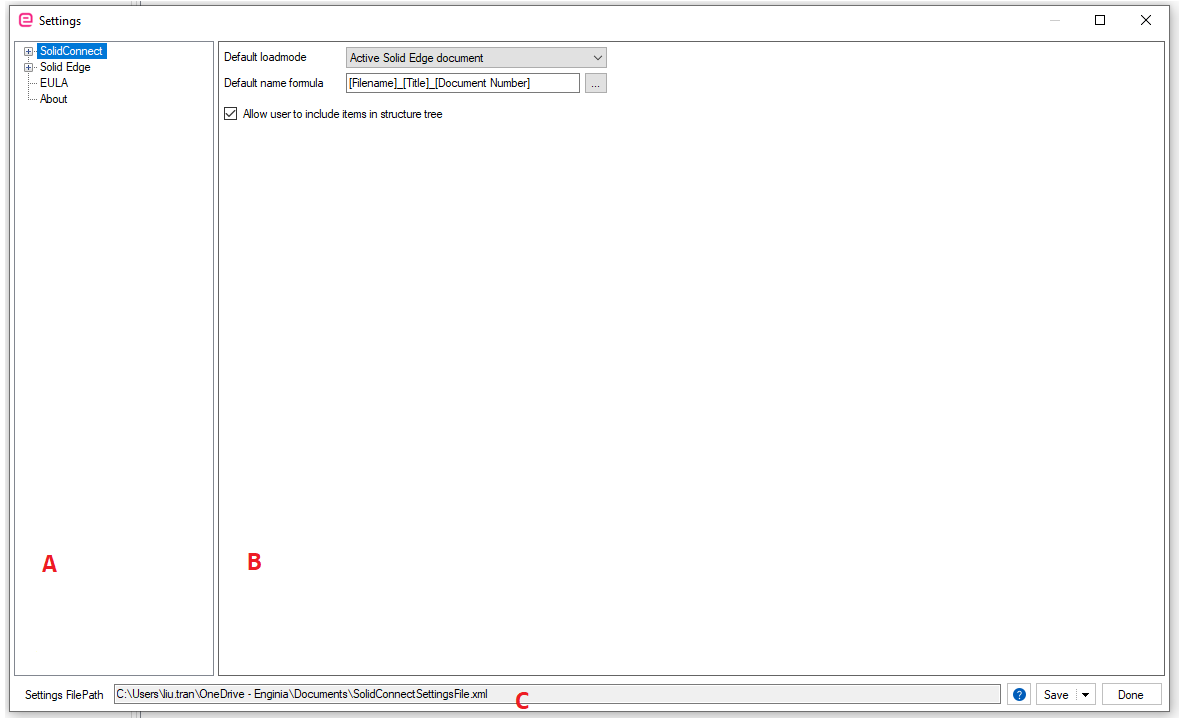
A. Setting categories and pages
The settings span across different categories and pages , categories can be expanded with the '+' button. There are three categories:
-
SolidConnect
-
Solid Edge
B. Setting page
The main window shows the corresponding settings page as selected in A
C. File path bar
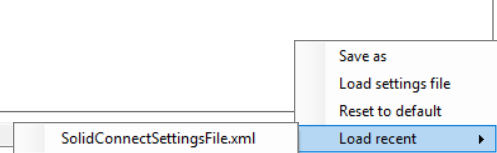
The settings file location is at the bottom. You can save your settings or click the arrow on the save button to save as or load a different settings file. The done button checks for changes and prompts you to save if any exist. You can also load recent settings.