

When you have installed SolidConnect, you can request a trial in SolidConnect, follow the steps below. If you have already requested a trial via the website, please enter the same information again.
License Manager
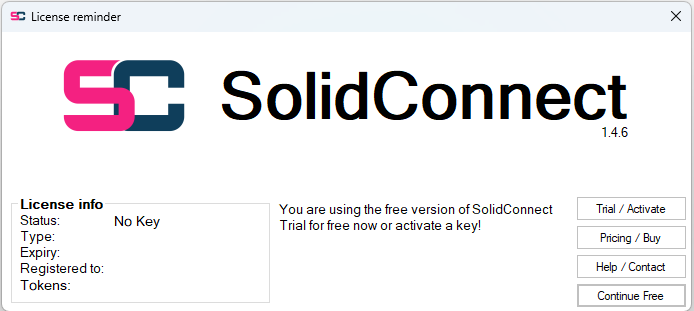
To get to the license manager you can click the Trial / Activate button in the popup below that should appear when starting SolidConnect without a license:
Alternatively you can open the license manager with the 
The license manager looks like this:
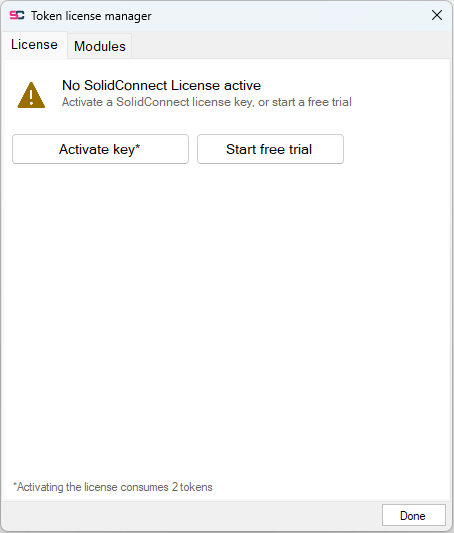
Here you can get a trial, activate a key and activate/deactivate modules using tokens
Request a Trial
-
In the license manager window, press the button that says ‘Get free trial’. If this button says ‘Trial already used’ you probably have already requested a trial before on this computer, if you believe this is wrong, contact Enginia.
-
Another window will popup asking for some basic information such as your name, company and email address. Once you are done entering your information, press Confirm.
-
Please wait while your trial is being requested. If the loading window disappears without an error, your trials should be active.
You can get a free trial to get access to all features. Read more about licenses and trials.
Without a license, usage of SolidConnect will be limited, you will not be able to configure any Settings.