

Get the latest SolidConnect installer:
-
New SolidConnect users can request a free trial
-
Existing users can get updates via the

We go through the installation, step-by-step:
-
Open the setup file. A Welcome screen appears.
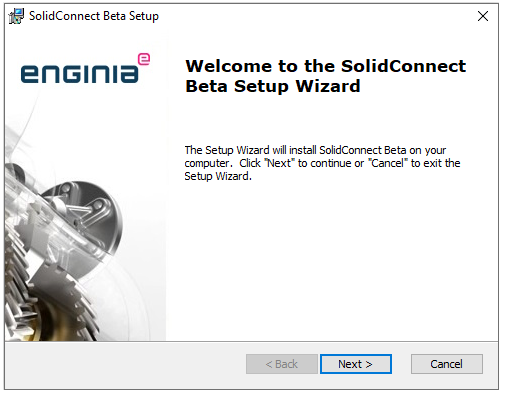
2. Click on Next.
-
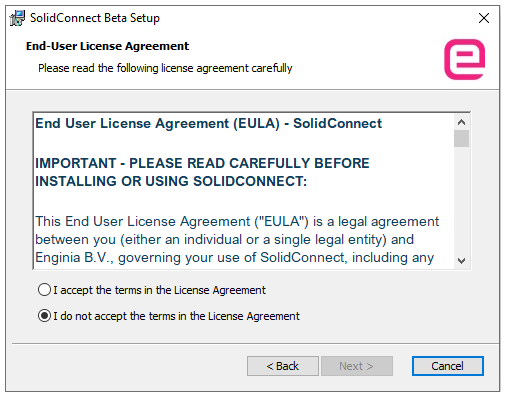
Read the End User License Agreement. This EULA is also located in the Settings in SolidConnect. If you accept the EULA, put a check mark on the 'I accept' mark. Click on Next.
-
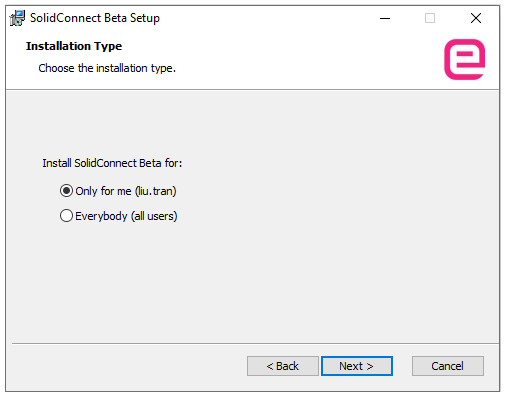
Are you the only user of SolidConnect on this computer? Choose ‘Only for me'. If more people are using the tool, choose 'Everybody’. Click Next.
-
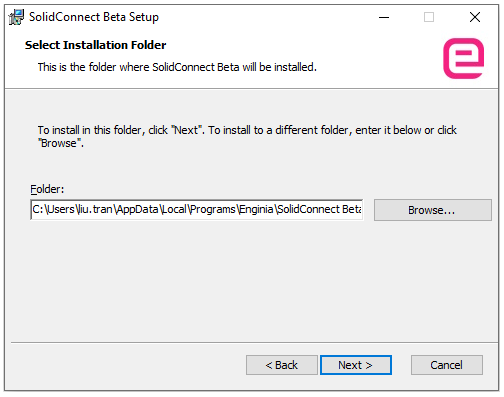
Click Next if you want to keep the suggested location of SolidConnect otherwise browse to the preferred location.
-
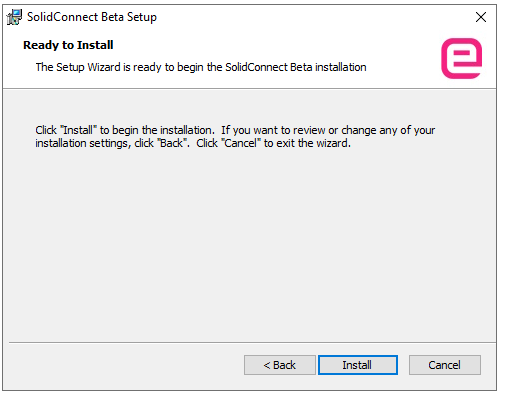
Click install to install SolidConnect on your computer
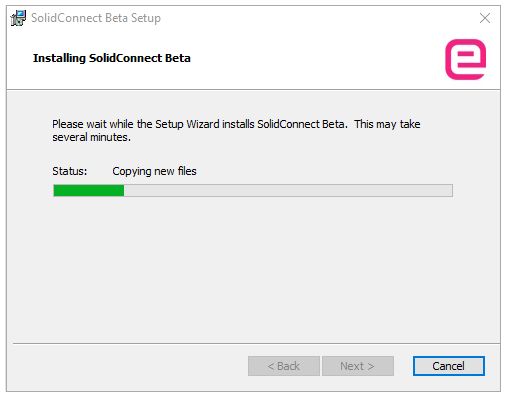
-
Please wait a moment…
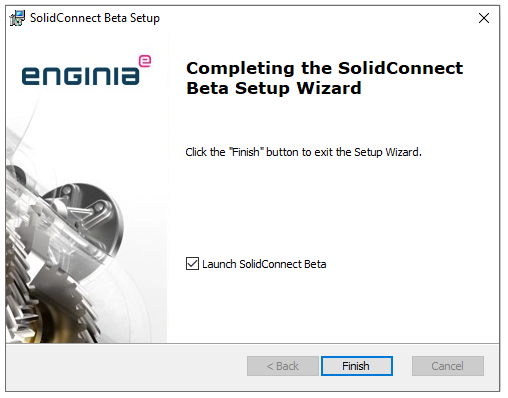
Click on Finish to finish the installation. When you start SolidConnect for the first time, you’ll see the EULA screen.
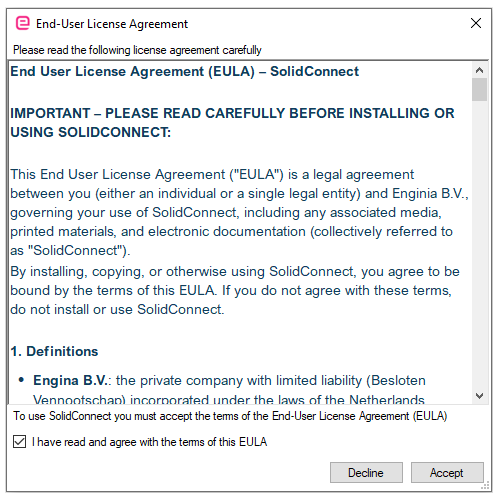
Read it and put a check on the check mark. Click on Accept
SolidConnect should now start and you should see the following popup:
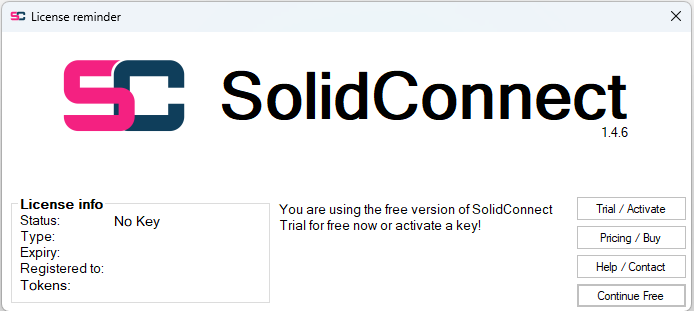
You can get a free trial to get access to all features. Read more about licenses and trials.
Without a license, usage of SolidConnect will be limited, you will not be able to configure any Settings.