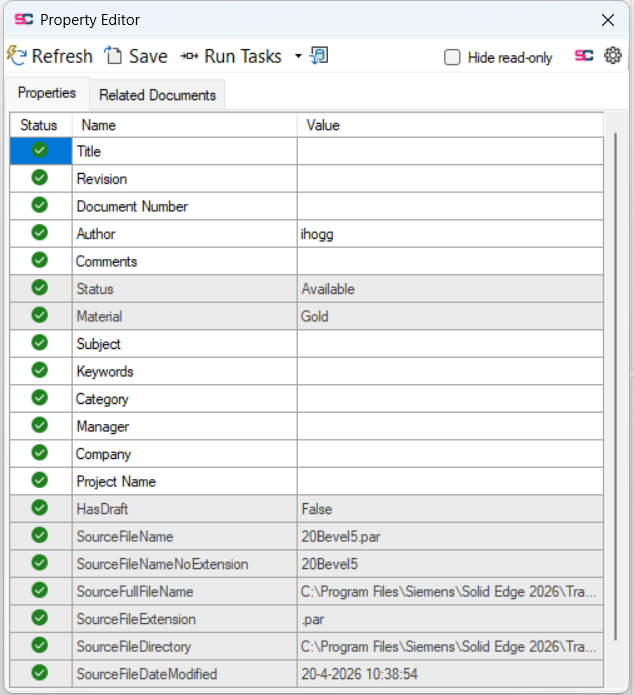
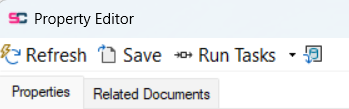
In the property editor you can quickly fill data from an external data source (csv file). Go to the Property Editor and click 
Your data will be loaded and shown in a table. Here you can search for a row with the correct data, when you have found the correct data, double click the row or press the apply button.
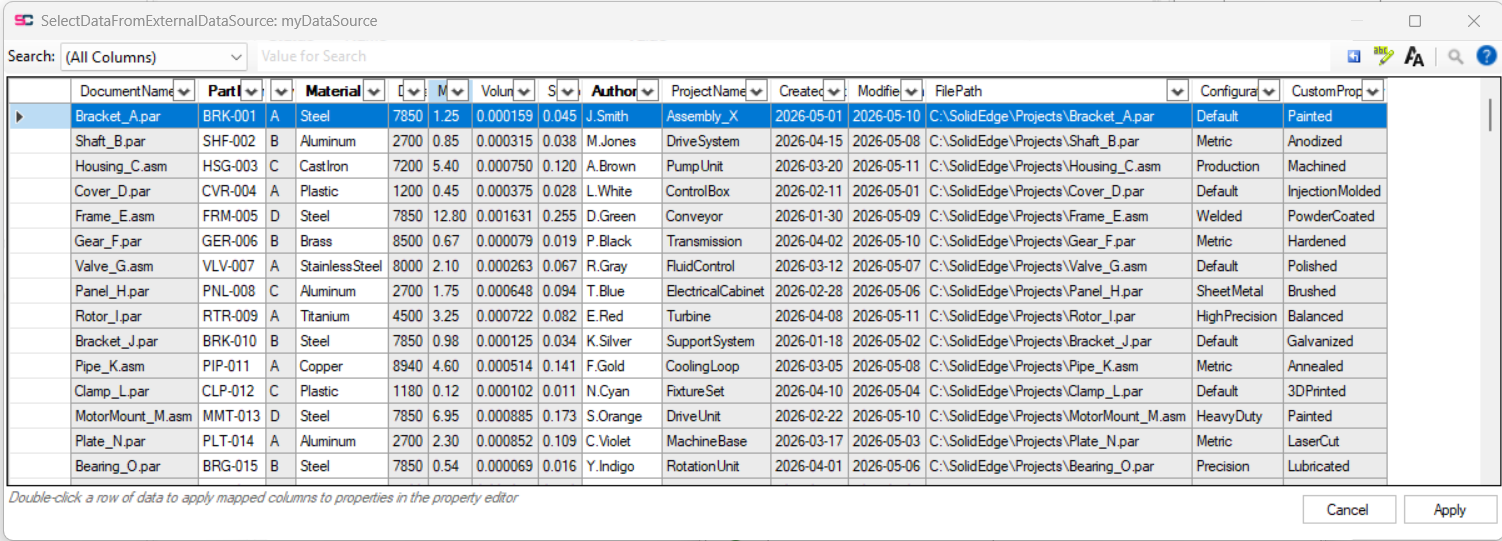
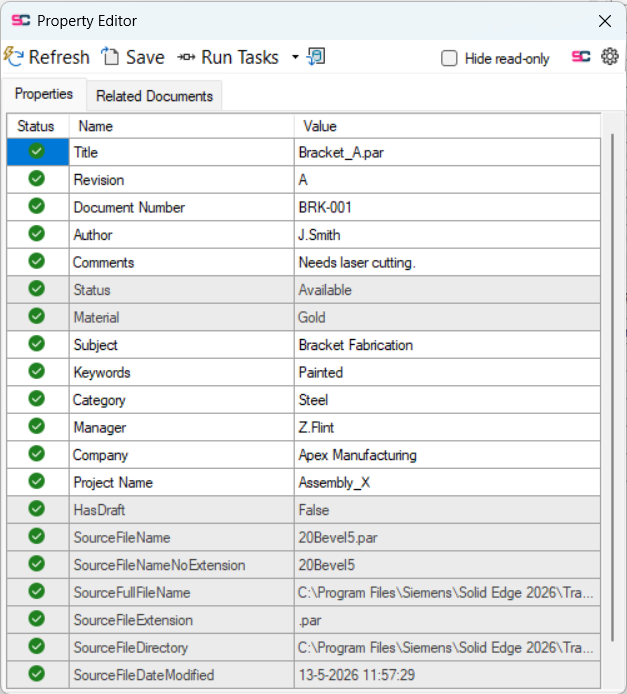
Then you will see that the values of that row are automatically applied to the properties based on a configured mapping from column name to property name. Note that properties that cannot be changed in the property editor will also not change when applying this data.