

This is the main screen of SolidConnect you will be working with. Depending on you settings, some data are already loaded:
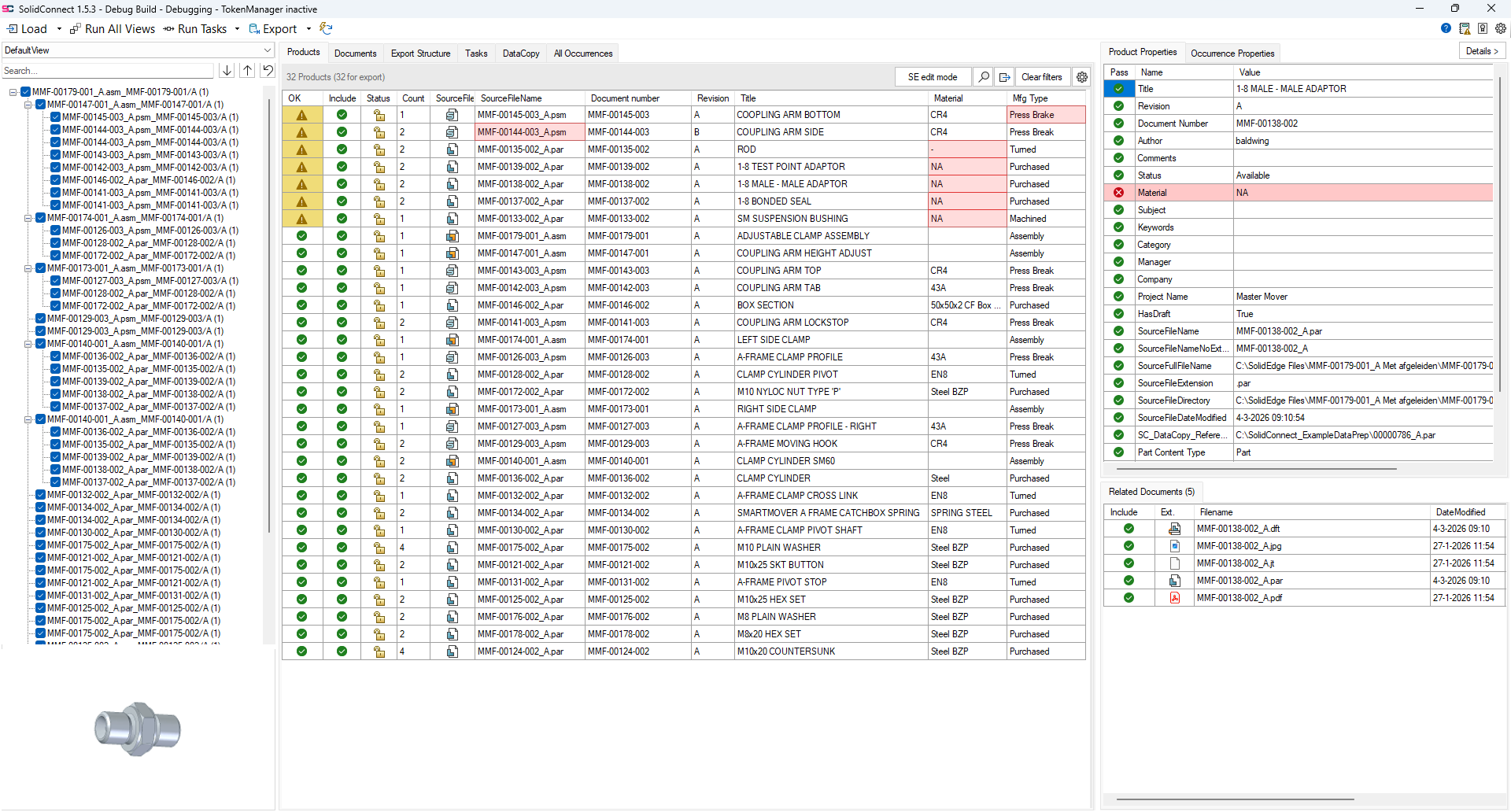
Action Bar

At the top-left is the action bar which perform the main function of SolidConnect:
-

-

-

-

-

Settings and info

At the top-right are buttons to help and configure SolidConnect:
-

-

-

-

-

Import Structure
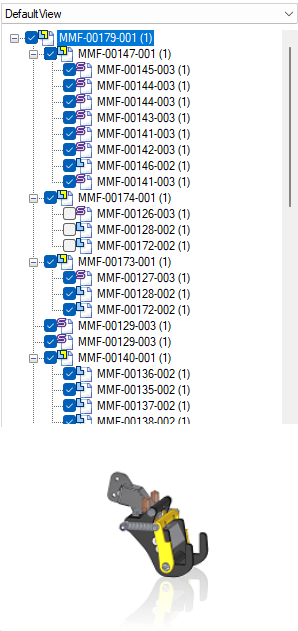
This is a tree view structure of the active Solid Edge document, similar to the pathfinder of SolidEdge. The checkboxes show which products are included or ignored by SolidConnect. At the bottom a preview of the selected product is shown.
Data Overview
At the center of SolidConnect is the data overview that contains the following tabs:

These show your data and allows you to interactively visualize and work with your data, read more about each tab:
Detail panel
The details panel show more information about the selected item.
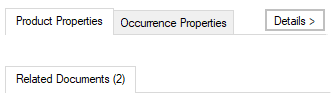
At the top, the tabs File properties and Occurrence properties, show all properties of the selected item.
At the bottom, the Related documents shows all files that SolidConnect found in relation to the selected item.