

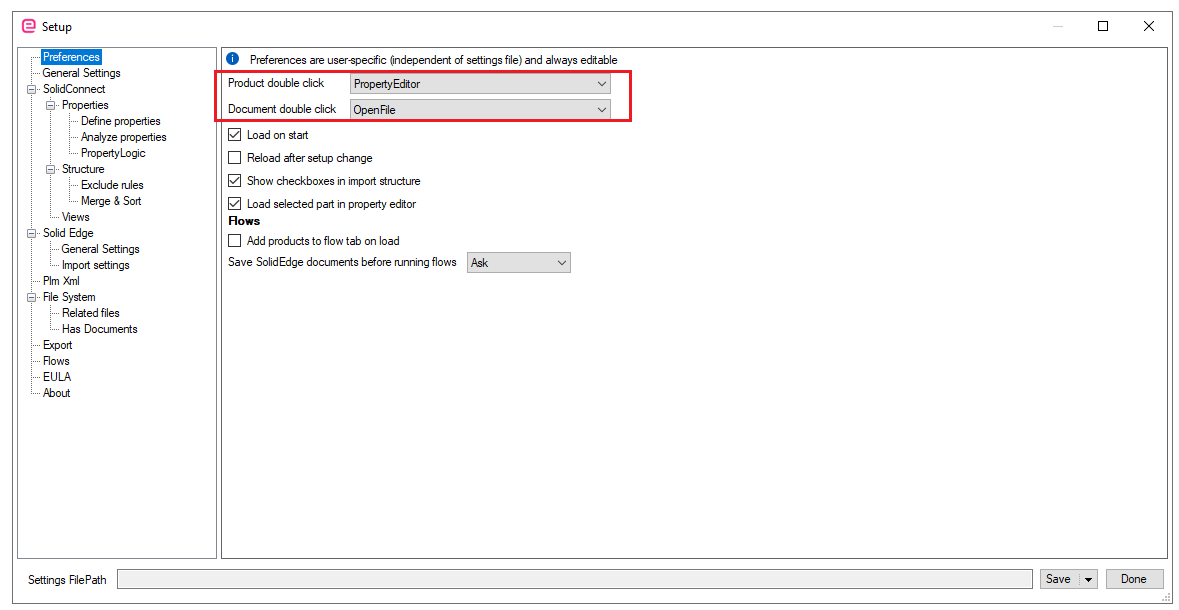
There is a default action for double clicking a product and a document. You can set it in the User preferences in the Settings.
📘 Instructions
-
With SolidConnect open, click on Settings>>User Preferences>>Product double click / Document double click
-
Choose the preferred action
Highlight important information in a panel like this one. To edit this panel's color or style, select one of the options in the menu.