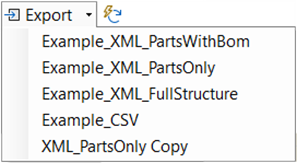
The export button exports the loaded product data using your settings and all enabled export templates. If you click the arrow on the button, a dropdown list opens, allowing you to select a specific export template. After exporting, a popup may appear if there are warnings in the log. Always check the logs, as this indicates the export may not be correctly configured or could contain empty data.