

Click on the Tasks tab located in the Data Panel.
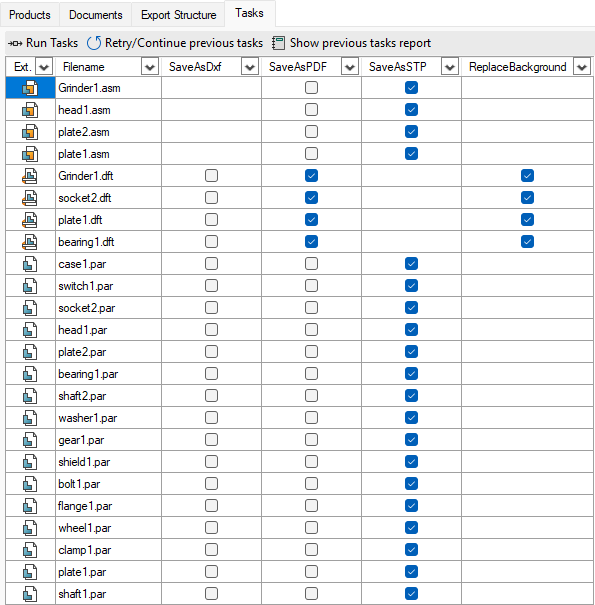
The tasks tab shows a list of files and in each column a task to run on those files with checkboxes to chose any combination. You can select multiple cells and press spacebar to toggle many checkboxes at once.
At the top of the tab, There are buttons to:
-

-

-

For more info check:
-
Task Settings- how to configure tasks
-
Task Report - visual report of the last successful or failed tasks